01 / AT A GLANCE
Less digging. More clarity.
Today’s tokens are one click away from the Mac menu bar or Windows tray. See which Agents you’re using most.
LOCAL AI USAGE · MAC + WINDOWS PREVIEW
Your local AI usage in the macOS menu bar or Windows system tray. Track Codex and Claude Code, review trends and request details, and choose a look that feels like yours. Windows is currently a preview.
Free to download and use Apple Silicon · macOS 14+ · English / 中文
Latest stable release Release notes ↗
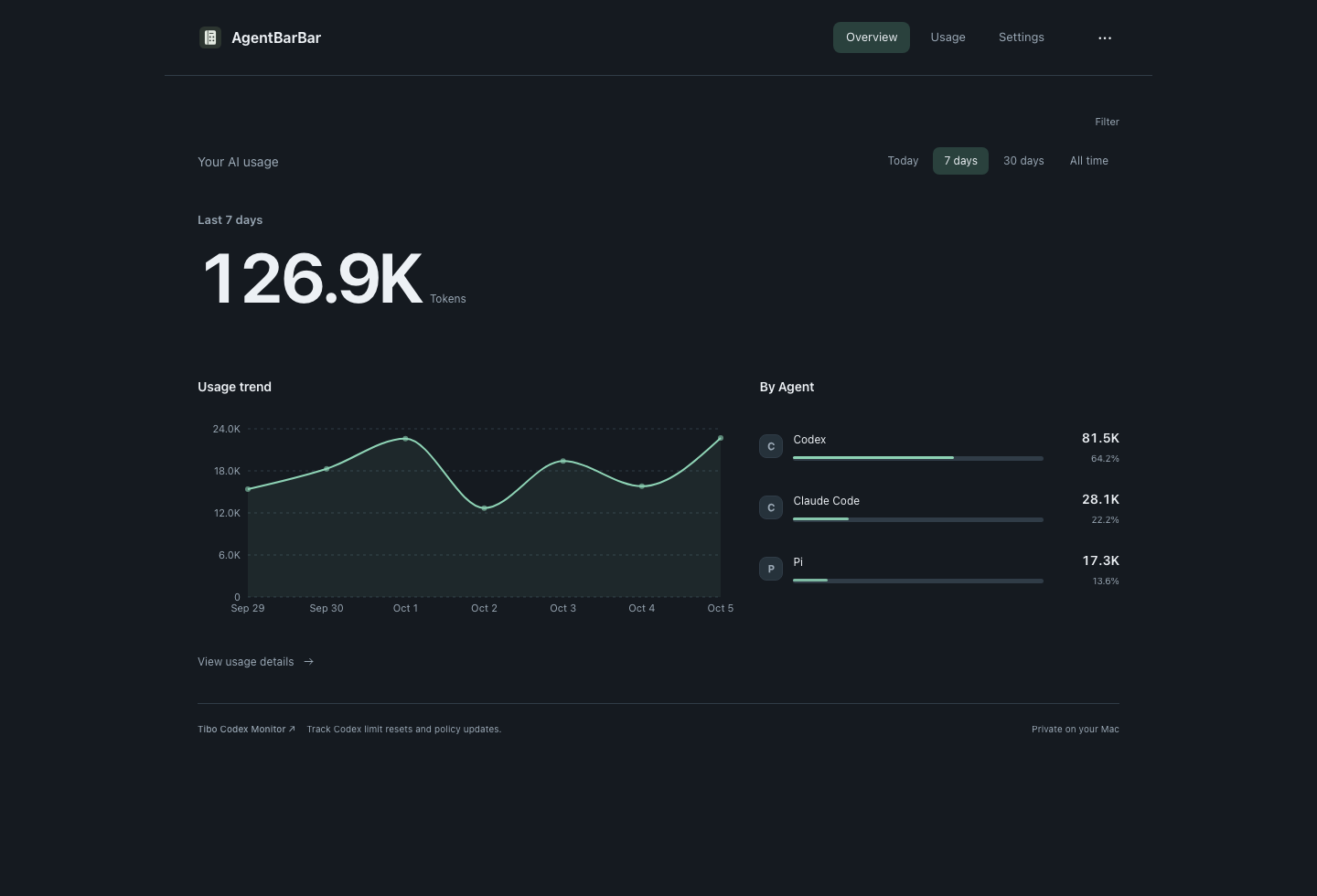
01 / AT A GLANCE
Today’s tokens are one click away from the Mac menu bar or Windows tray. See which Agents you’re using most.
02 / OVER TIME
Switch between today, 7 days, 30 days and all time. Review usage trends, request details and exports in one place.
03 / ON YOUR DEVICE
Reads supported local usage records. No telemetry uploads and no stored conversation bodies.
ONE CLICK AWAY
Keep working. Your daily total is close at hand, with a quick breakdown of your leading Agents.
Free to download and use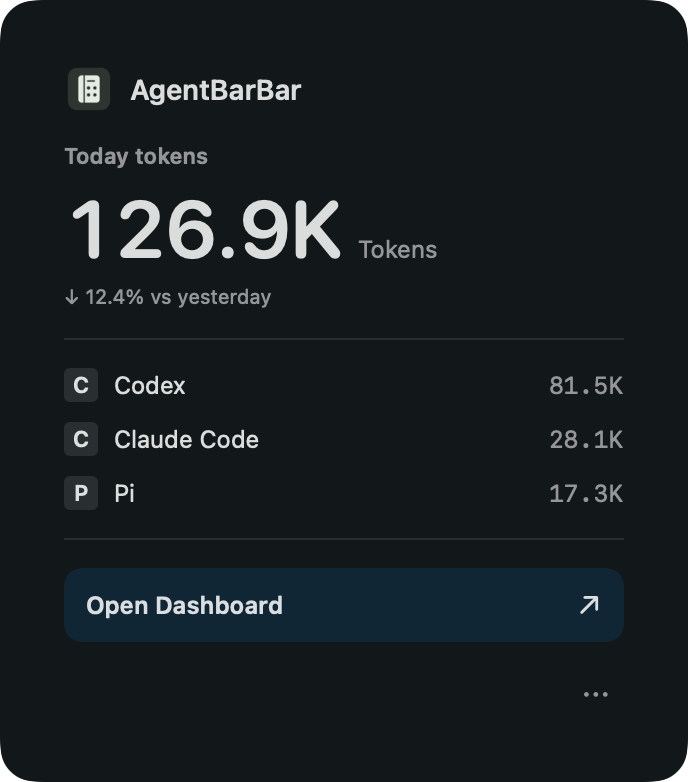
MAKE IT YOURS
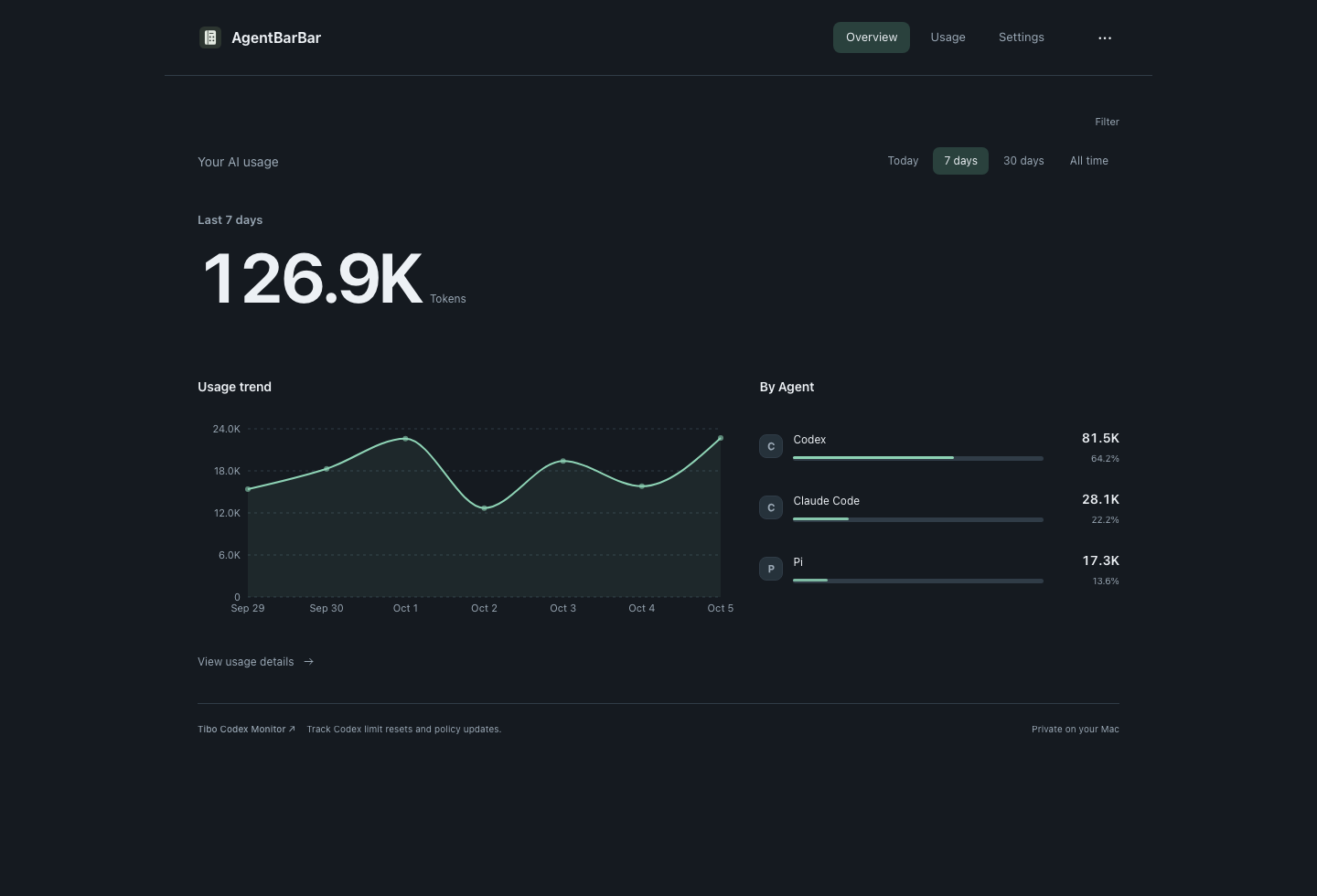
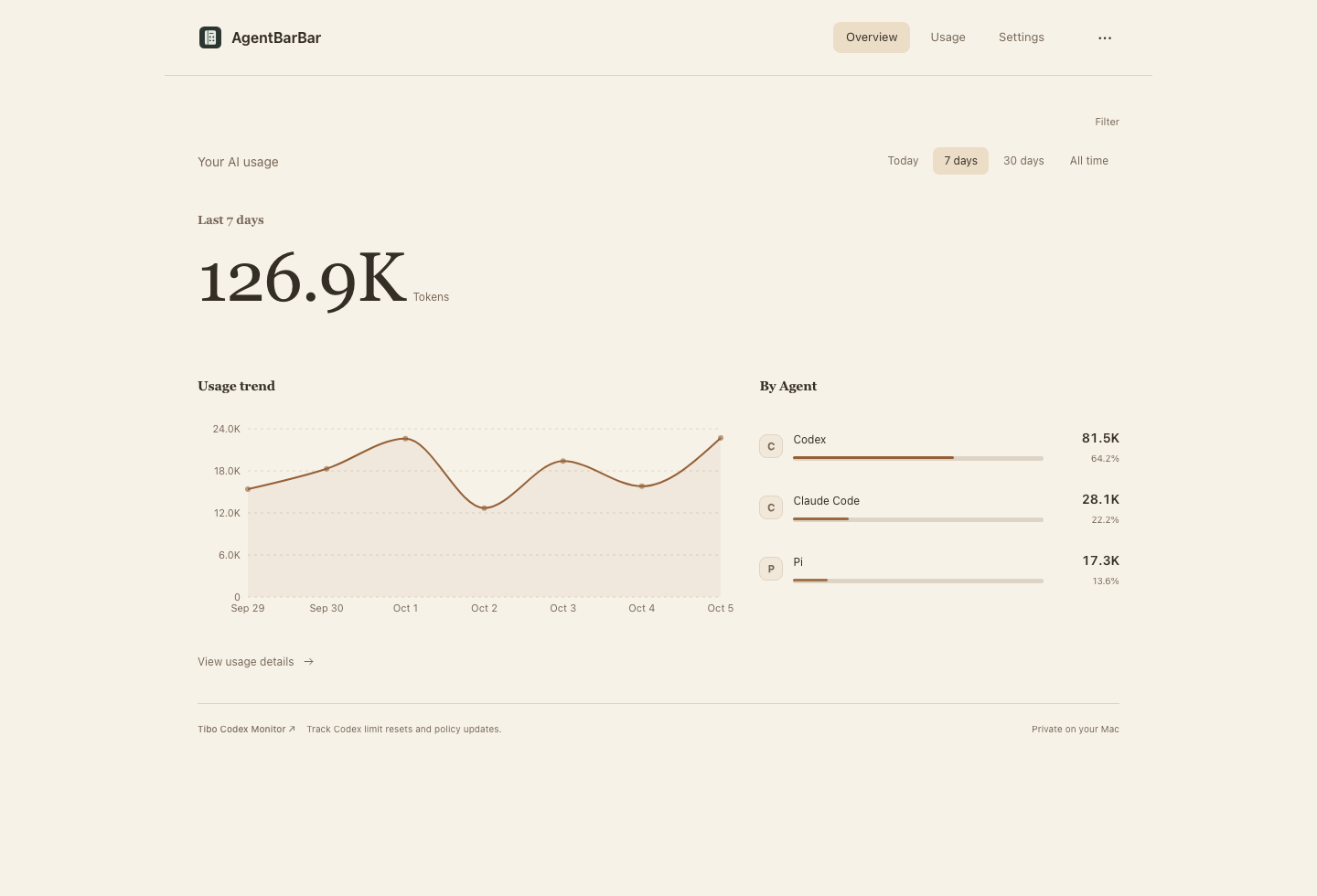
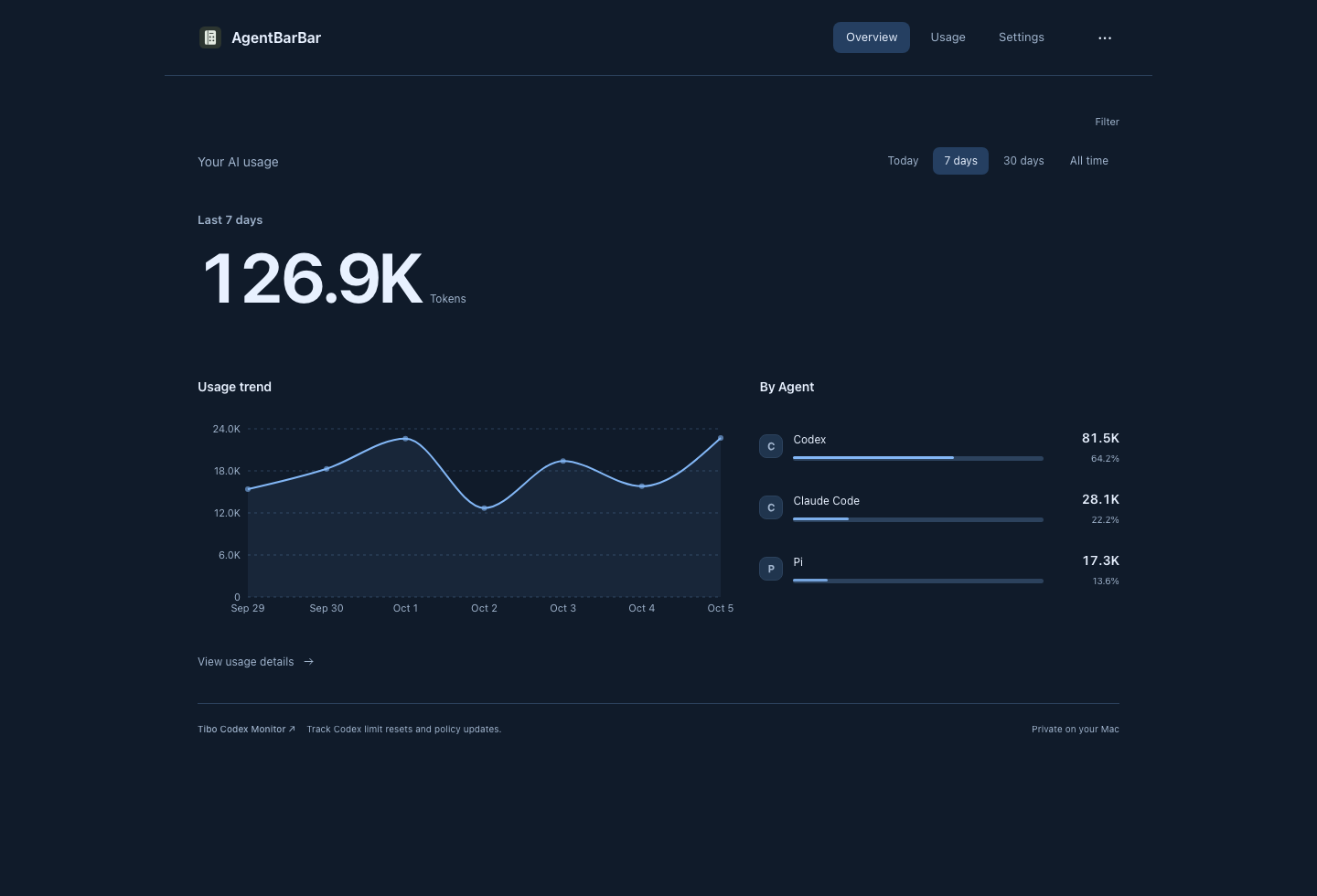
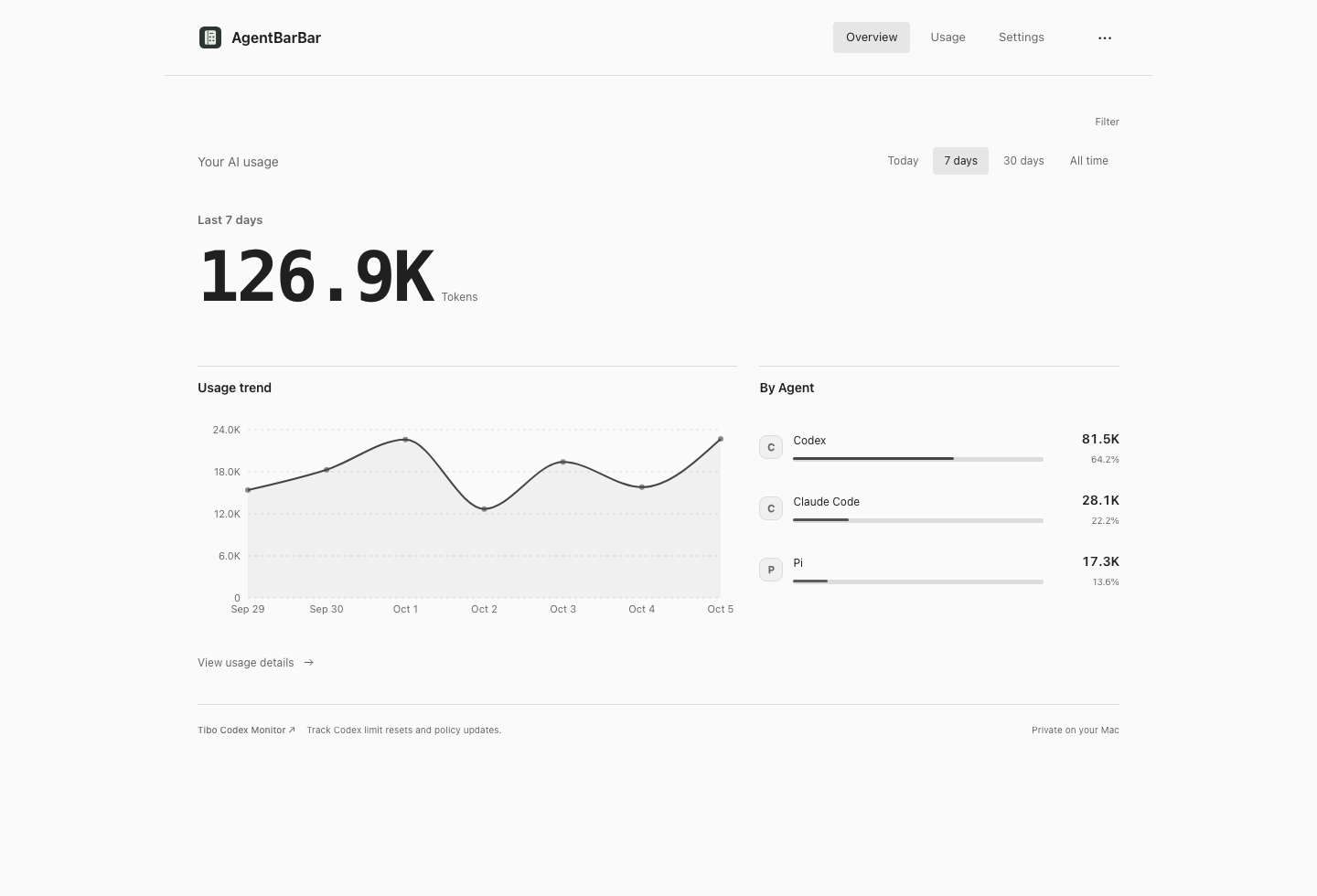
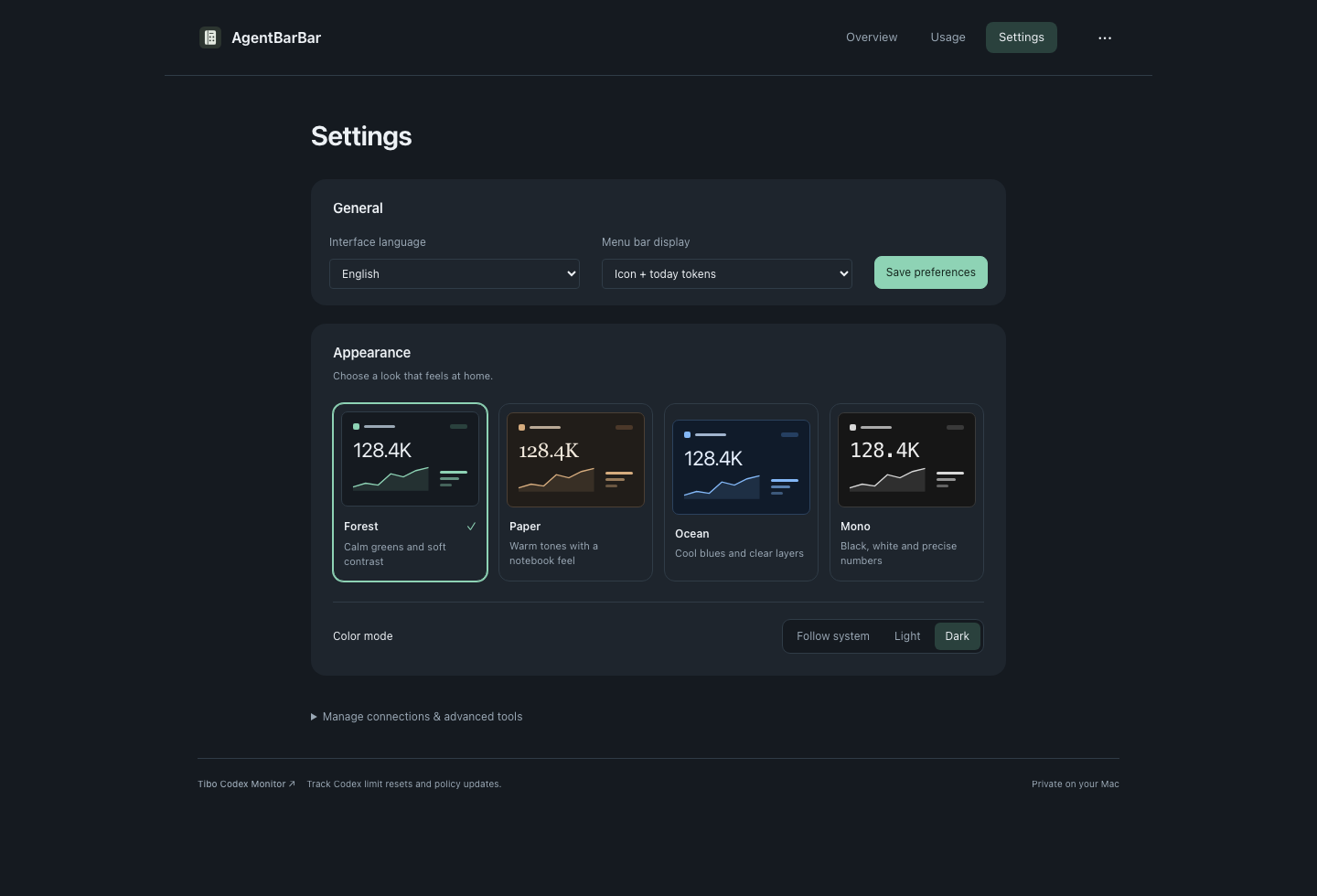
Choose Forest, Paper, Ocean or Mono in Dashboard Settings → Appearance. Switch between light, dark and system modes instantly; your choice is saved automatically.
WINDOWS X64 · PREVIEW
Windows Preview
A real system-tray app with a quick usage popup and a shared dashboard: today, 7 days, 30 days, all time, Agent/model breakdowns and request details. Four themes, light/dark/system modes, and English / Chinese.
Preview, unsigned. No automatic updater or login autostart. Long-run, sleep/wake, upgrade and final uninstall validation remain incomplete.
Tested on Windows 11 x64. WebView2 is required; its runtime may need a network download, and missing-runtime cases are not fully validated. No Rust, Node.js or development tools are needed to run the installed app. Quit from the tray before installing over an existing copy; back up important data before trying the preview.
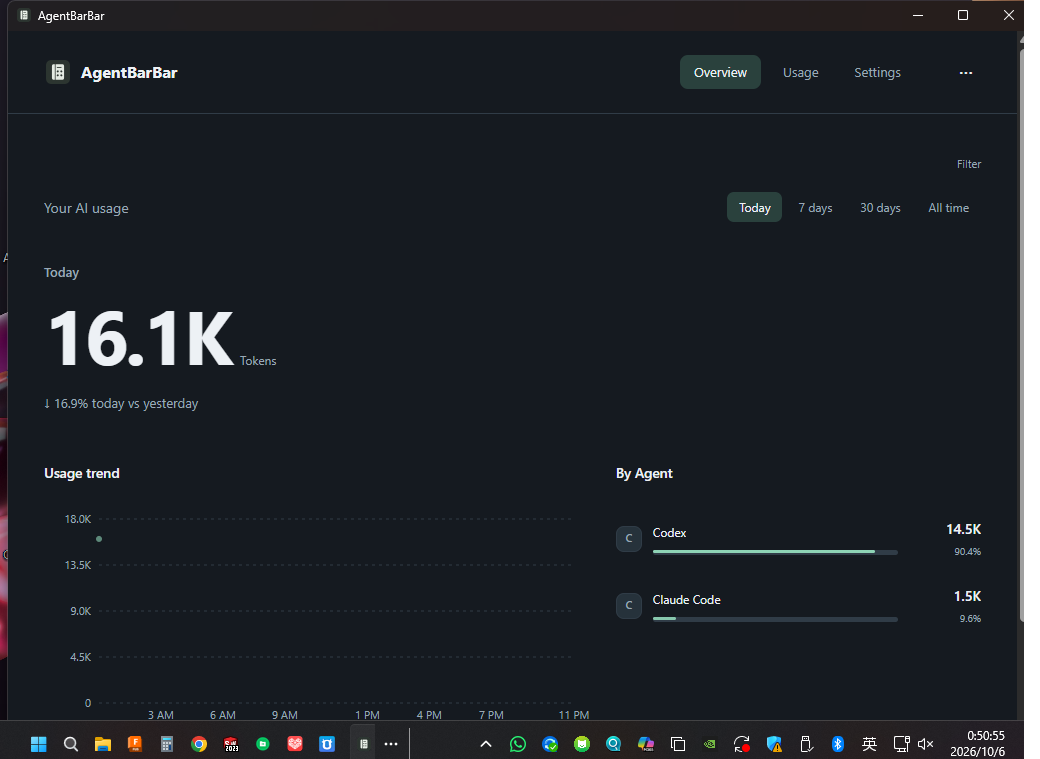
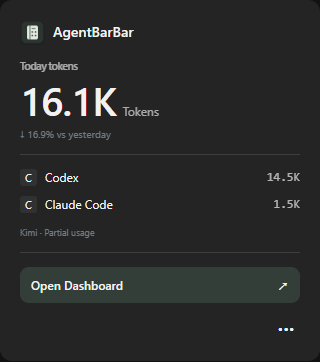
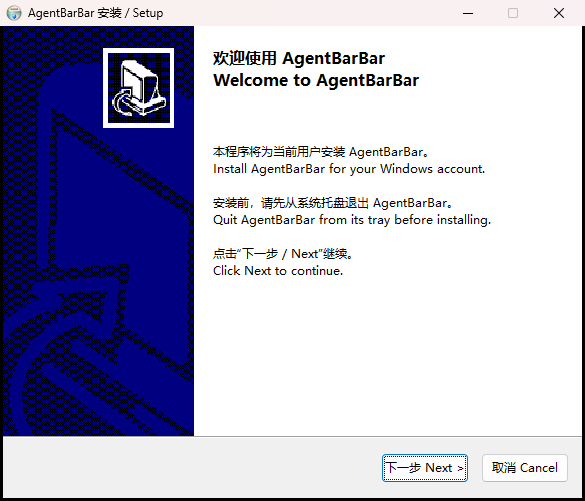
Actual 1.0.4 preview installer · Inline bilingual installation
SUPPORTED AGENTS ON MACOS
On macOS, reads local usage records from these ten supported Agents. Windows support is listed separately above.
Available metrics depend on the records each Agent provides. Missing counters remain unavailable; importing a large history for the first time may take a few minutes.
READY WHEN YOU ARE
Get the Apple Silicon installer from our GitHub release.
Open the DMG and drag AgentBarBar into Applications.
Launch the app, then click its menu bar icon to see local usage.
If macOS cannot verify the developer, try opening the app, then go to System Settings → Privacy & Security → Open Anyway.
The app checks GitHub for new versions and offers the installer. The DMG is saved to Downloads and opened; drag AgentBarBar to Applications to replace your installed version. Automatic checks can be switched off in native settings.
Yes. AgentBarBar brings supported local usage records from Codex, Claude Code and other Agents into one view. Available totals depend on what each Agent records on your device.
The macOS download requires Apple Silicon and macOS 14+. The Windows preview was tested on Windows 11 x64 with WebView2; ARM64 and older Windows versions are unverified. Both offer English and Chinese interfaces.
On macOS, the app checks GitHub and offers to download the DMG to Downloads. Open it and drag AgentBarBar to Applications to replace the installed app yourself. Automatic checks can be disabled in native settings. The Windows preview has no automatic updater or login autostart yet.
Open Dashboard Settings → Appearance and choose Forest, Paper, Ocean or Mono. Each supports light, dark and system modes; your choice is saved automatically.
It shows local token usage. Token totals are not the same as an official remaining subscription quota, and the app does not predict quota resets.
No telemetry is uploaded, and conversation bodies are not stored. Usage is read from supported records on your device.
AgentBarBar is free to download and use. The GitHub repository hosts product information and downloads; the application source remains private.
Coverage depends on what an Agent records locally. Missing counters remain unavailable. For feedback, include your app version, operating-system version and Agent name; chat logs and credentials are not needed.

A calmer view of your AI usage, right on your Mac.
Apple Silicon · macOS 14+ · English / 中文